MenuAPI Documentation
MenuAPI documentation
Section titled “MenuAPI documentation”Docs for MenuAPI 4.0 and newer on FiveM, for both Legacy and Enhanced. See Setup to get started.
On MenuAPI 3.x or older? See the 3.x docs. Making a RedM resource? See the RedM docs.
Features
Section titled “Features”- Left and right aligned menus, switchable at runtime, both following the safezone size.
- Fewer items are shown on small resolutions so the menu stays on screen. Very long descriptions can still overflow.
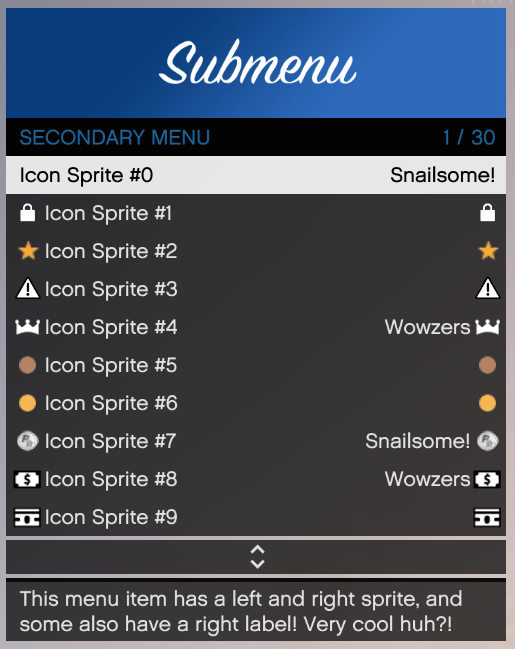
- Left and right icons and text on most items.
- Disabled items.
- Every control (keyboard, controller, mouse) is a FiveM key binding that players can rebind. The controller toggle is a 400ms hold so it doesn’t clash with the game’s interaction menu.
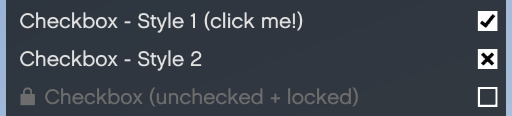
- Several checkbox styles.
- Optionally stop players from closing a menu with the back key. Always give them another way out.
Some examples
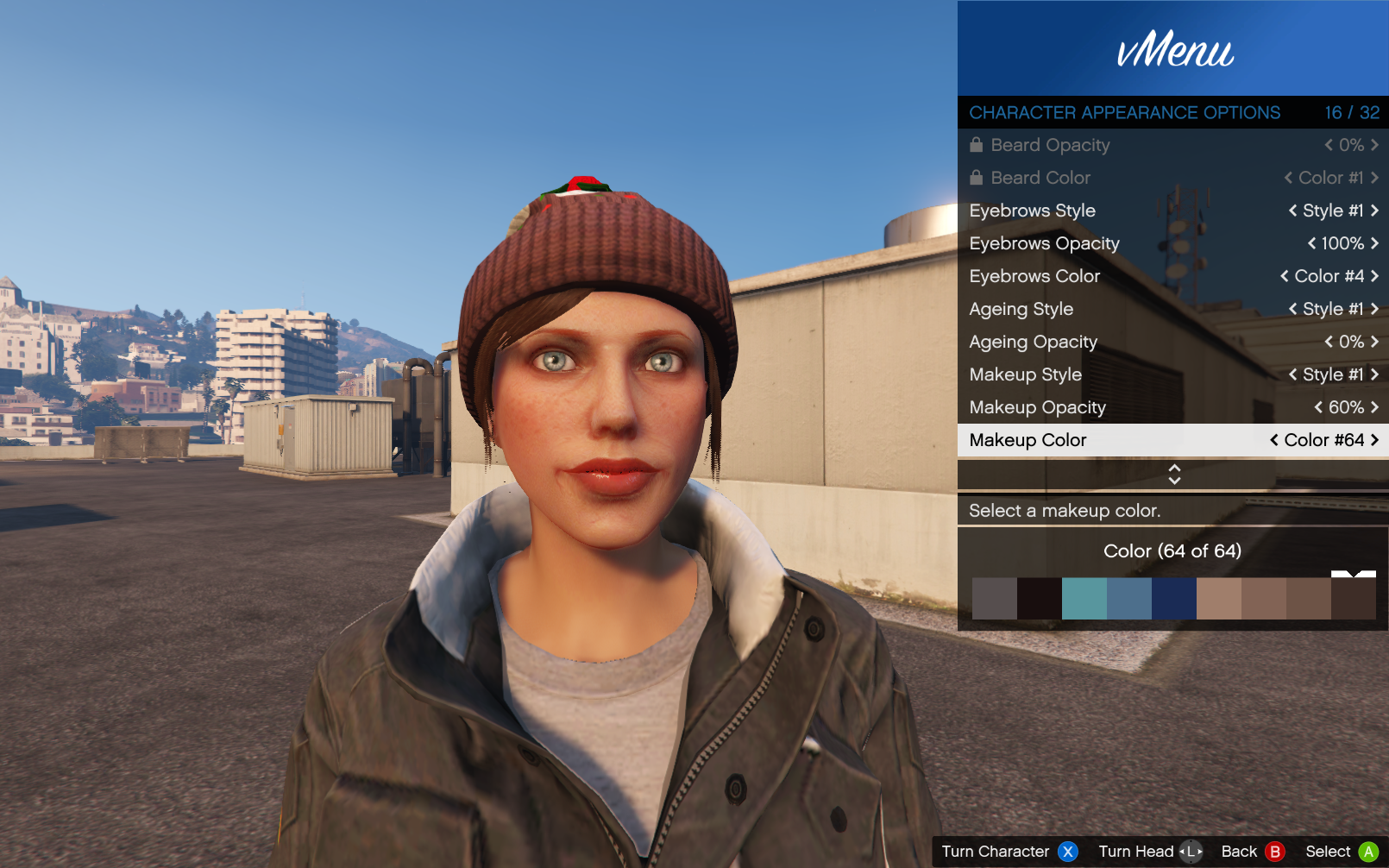
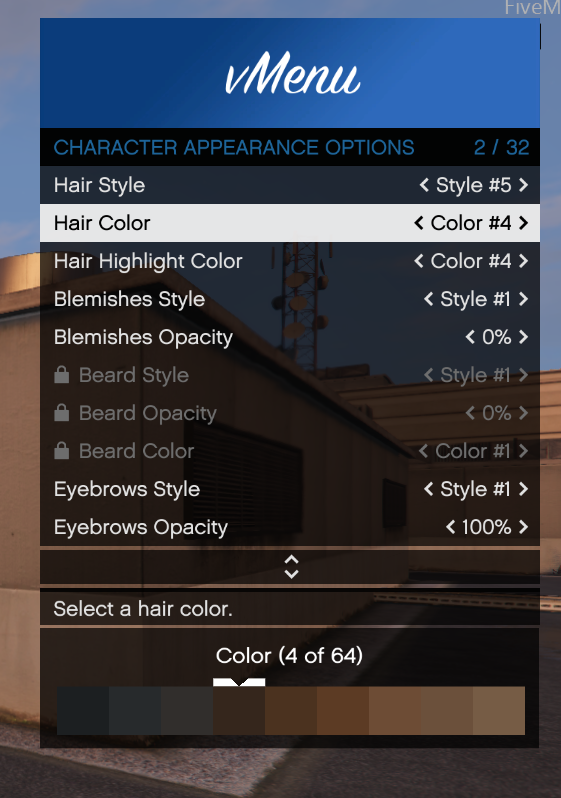
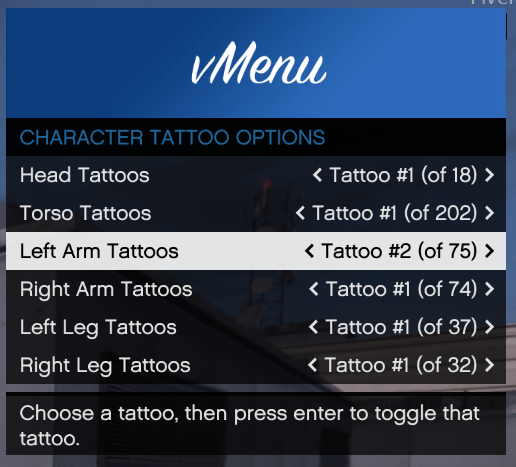
Section titled “Some examples”Screenshots from vMenu and the MenuAPI test menu.
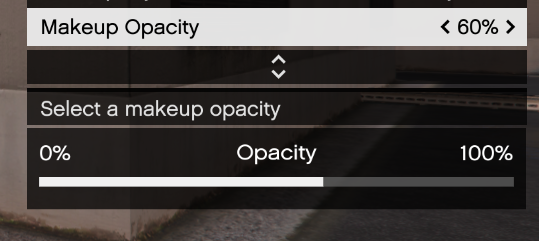
Makeup & Hair color panels, and also opacity panels.
These are list items with a panel shown below the description.
List items
Slider items
Background and bar colours are customizable.
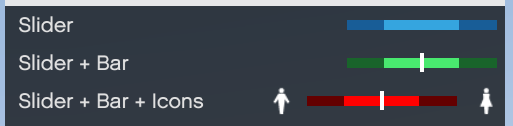
Optional icons on either side of the slider.
Checkbox items
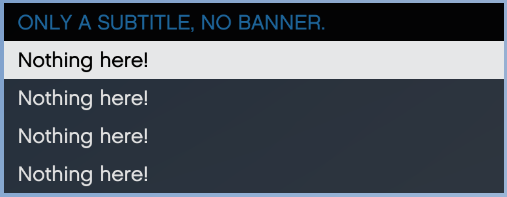
Menus without banners
Customizable instructional buttons (per menu)
Each menu has its own instructional buttons, select and back by default. They can be removed or turned off, and they switch between keyboard and controller instantly.

Icons
Icons work next to right side text, the text moves over automatically.